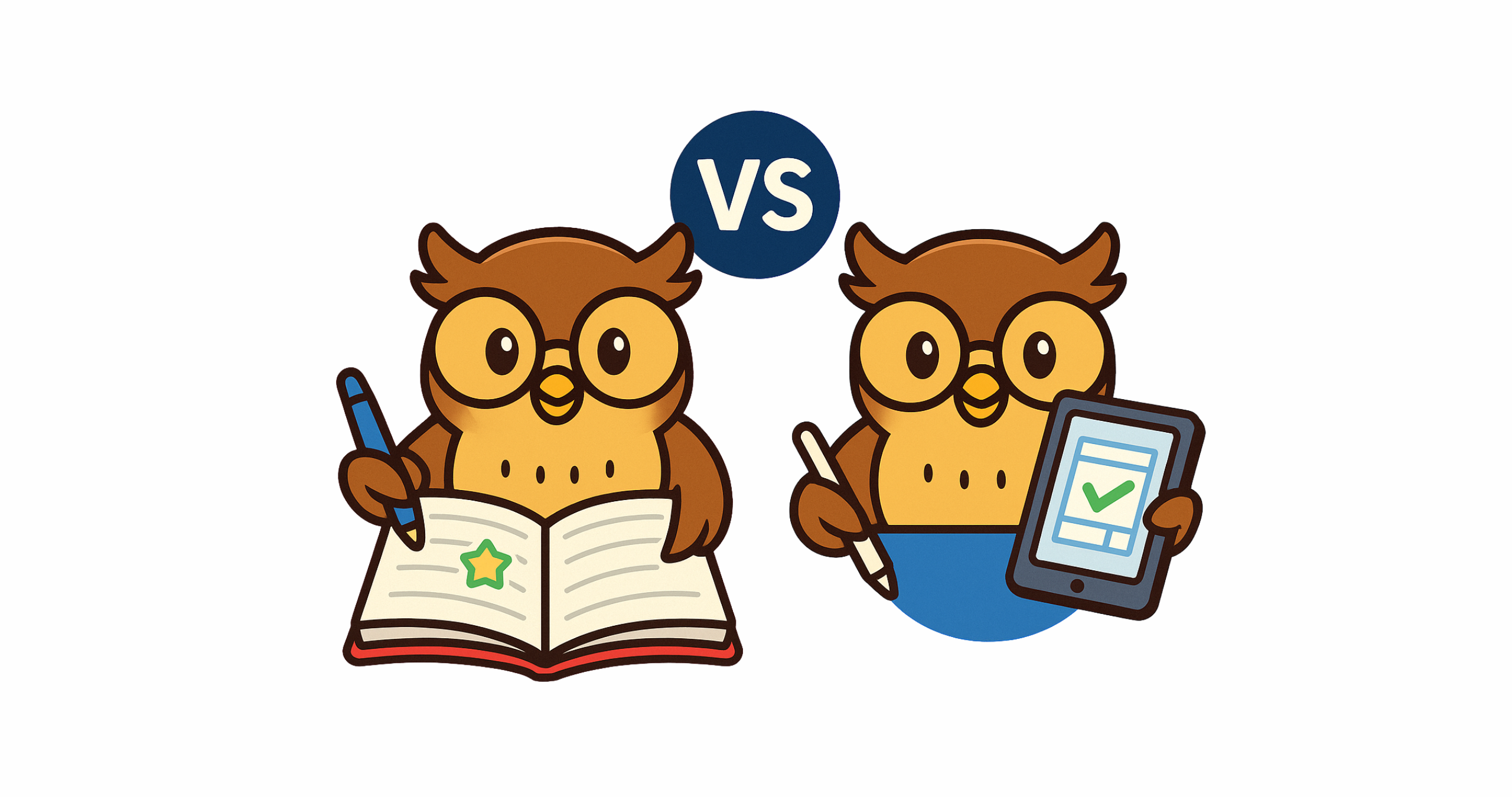
As a paraprofessional working with elementary students (including many autistic learners), I’ve seen firsthand how planners can make or break a child’s day. A good planner becomes more than a notebook — it’s a tool for organization, communication, and confidence. But one question always comes up: digital or paper planners — which is better?
The truth is, both have unique strengths. Some families even find the perfect balance by combining the two. Here’s what I’ve learned from research, classroom experience, and my personal preference.
✅ Pros of Digital Planners
⚠️ Cons of Digital Planners

✅ Pros of Paper Planners
⚠️ Cons of Paper Planners


🟣 How Families Combine Both
Some families find success by blending the two:
- Paper for the student, digital for the parent: Child writes tasks in a paper planner, while the parent keeps a synced digital copy.
- Paper at school, digital at home: Teachers set the routine with paper, parents set reminders digitally.
- Quick uploads: Students snap a photo of their planner to share with family calendars.
This way, kids get hands-on experience with paper while adults benefit from digital flexibility.
🌱 My Take
While I’ve supported students using both systems, I lean toward paper planners. For many of my students, writing things down or checking off a task builds pride and independence.
That said, I’ve seen how digital planners help busy parents and kids who enjoy interactive designs. The truth is: the “best” planner is the one your child will use — and that keeps home and school connected.
✏️ DIY Planner: Try It Yourself
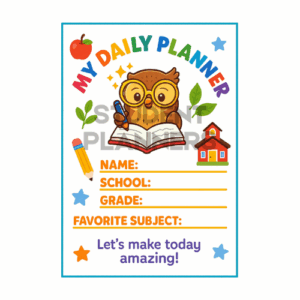
Looking to experiment and discover what works best for your child? We’ve created a DIY Free Planner Template in Canva that you can customize and download.
✨ Takeaway: Every child is different. Try paper, digital, or a combination — and see which method sparks the most independence, calm, and confidence.

